GenFEAx
GenFEAx is the high-performance analysis engine behind BIMWERX's next generation of structural analysis workflows, including GenFEA Web and the GenFEAx Desktop app.

Built for Connected Analysis
GenFEAx provides the solver and model-processing layer for browser, desktop, and automated workflows. It supports linear and nonlinear structural analysis, dynamic workflows, construction staging, sparse solver performance, and consistent result export for downstream processing.
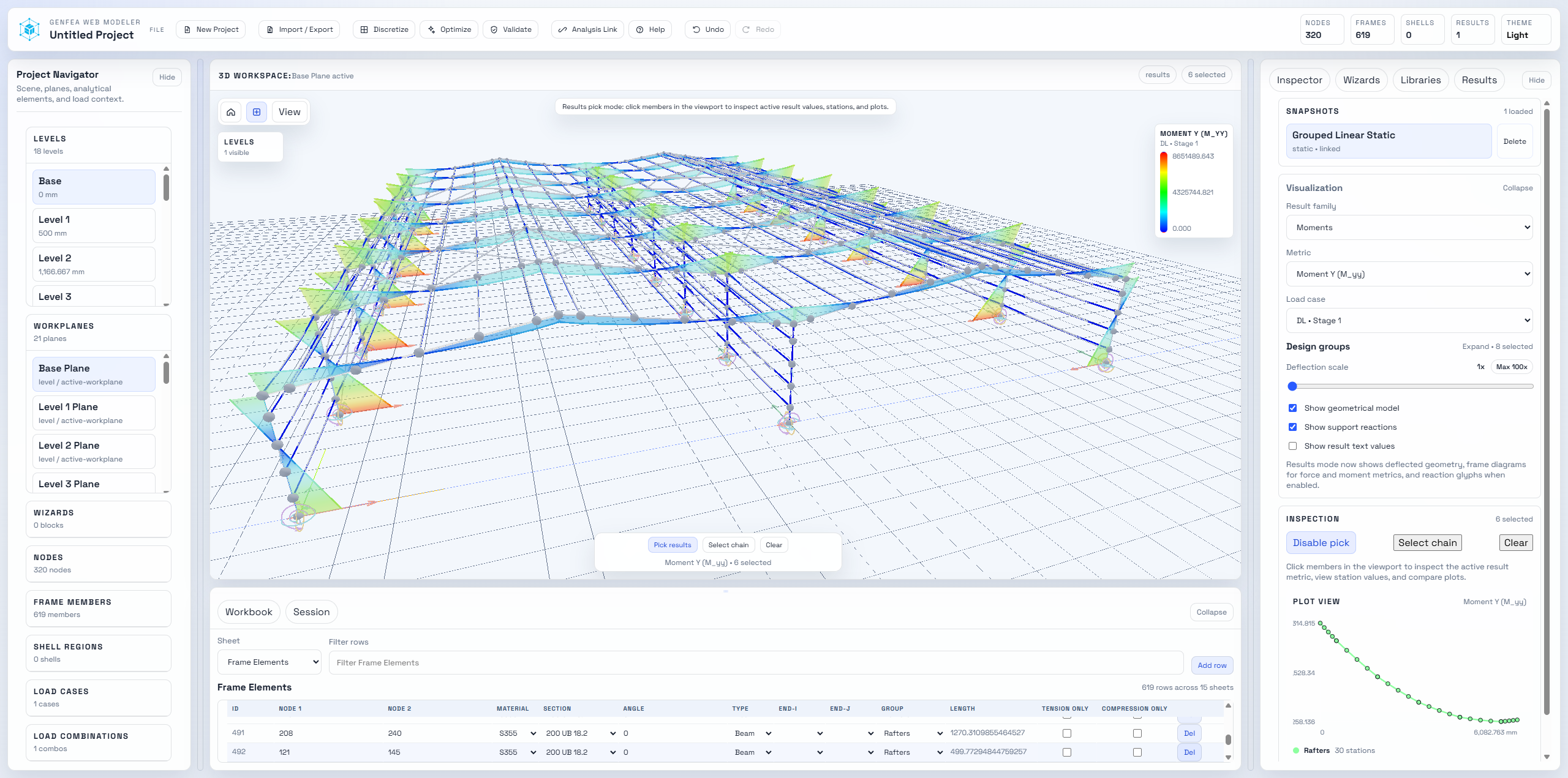
Analysis and Element Support
Analysis Types
- Linear static analysis
- Second-order P-Delta analysis
- Linear and nonlinear dynamic analysis
- Modal and response spectrum analysis
- Linear buckling analysis
- Construction staging analysis
Element Library
- 3D frame and beam elements
- Euler-Bernoulli and Timoshenko theory
- 3D truss elements
- Quad and triangular shell elements
- 6-DOF spring elements
- Lumped mass elements
Solver Workflow
- High-performance sparse solvers
- Fiber-based nonlinear sections
- Local and global axis control
- Consistent result storage
- CSV export for post-processing
- Metric and imperial unit support
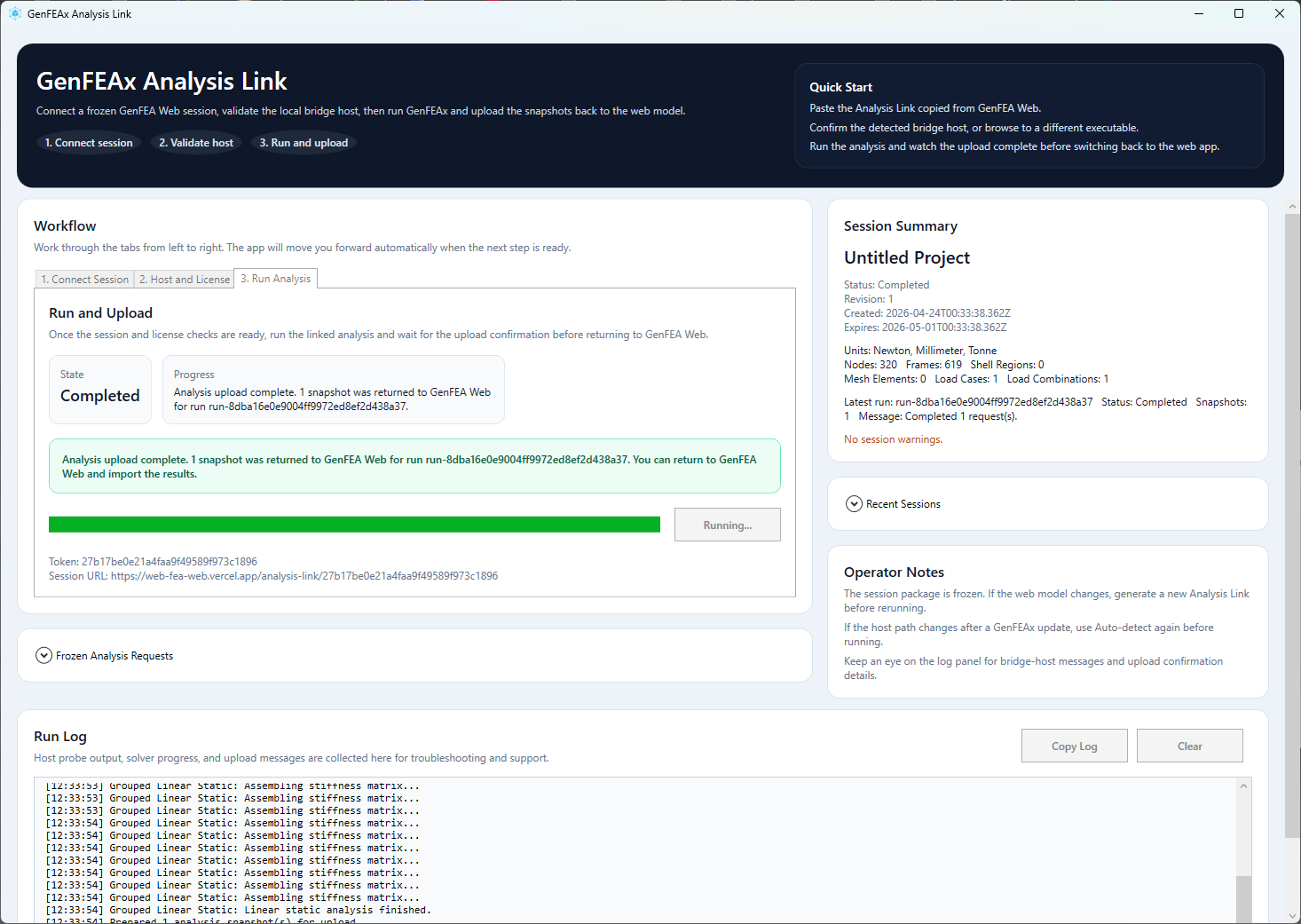
Desktop Engine, Browser Workflow
GenFEA Web connects to GenFEAx Desktop so models can be prepared in the browser while compute-intensive analysis runs locally. This keeps the modelling workflow lightweight while preserving desktop-grade analysis performance.
GenFEA Web AI Agent Plugin
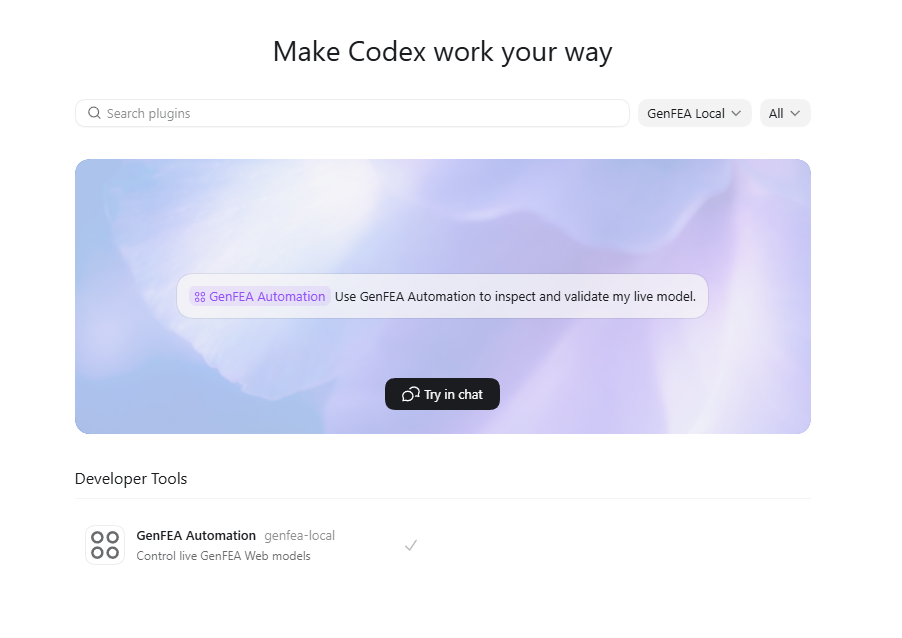
The GenFEA Web plugin gives Codex and Claude Code a structured way to connect to a live GenFEA Web session, inspect the model, send modelling commands, validate projects, capture screenshots, and create Analysis Links for GenFEAx Desktop.
Install with Codex
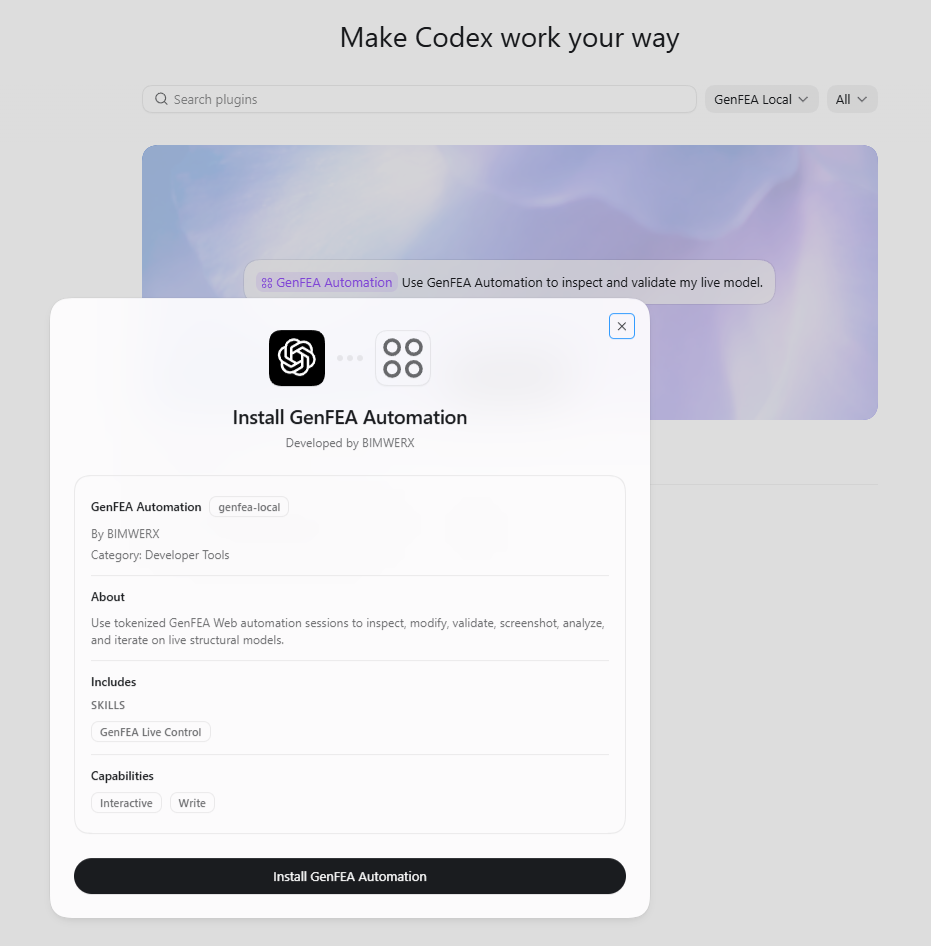
- Download and extract the plugin ZIP.
- Install the
codex/genfea-automationpackage in Codex plugin settings. - If local import is unavailable, copy that folder into your Codex plugins folder.
- Restart Codex and enable GenFEA Automation.
- Open GenFEA Web, start an automation session, then provide Codex with the session id and token.
Install with Claude Code
- Download and extract the plugin ZIP.
- Use
claude/genfea-automationas the Claude Code plugin package. - Install it from Claude Code's plugin screen.
- If local plugin install is unavailable, copy the included skill into your Claude skills folder.
- Open GenFEA Web, start an automation session, then provide Claude Code with the session id and token.
Contact Us
Leave us a message and we will get back to you: