 Parametric Structural Connection Analysis
ConnectFEA

About Connect FEA
ConnectFEA is a state-of-the-art parametric structural connection analysis tool. It features intuitive spreadsheet inputs that drive 3D connection model geometry. Build formulas and functions into your connection templates, similar to any modern spreadsheet environments. ConnectFEA makes use of native XLSX format for projects, meaning you can drive data from any external tool, if you choose. The fully automated volumetric mesher and Multiphysics solver generates quality outputs, and can be plugged into DesignPad, the math scripting environment, for downstream calculations and reporting.
ConnectFEA brings cutting-edge FEA capabilities to your desktop. It features intuitive tools to automate any kind of structural connection setup. ConnectFEA allows for smarter and faster structural connection model development, thanks to it's powerful spreadsheet input workflow. Develop standard connections and save them as templates for even faster reuse in future, or select from the existing library of standard steel connections that ships with ConnectFEA. Meshing and Multiphysics analysis is automated, and requires almost zero manual input. Smart contact mechanics will take care of connecting elements, while other analytical tools such as welds, loads and supports are easy to define. ConnectFEA is a full 3D volumetric system - no 2D plate or shell elements are used. This provides improved results, and a more realistic simulation of the real-world physics. These type of analyses would normally require extended time and patience to achieve, yet with ConnectFEA the process is straight forward and streamlined. The built-in math renderer and processor, DesignPad, further enhances the usability of ConnectFEA - allowing for downstream design tasks and reporting.
Features and Capabilities
ConnectFEA is the only tool in its class that can achieve full 3D parametric Multiphysics models for structural engineering tasks. Capabilities include:
- Spreadsheet Input supporting cell formulas
- Native XLSX format
- Automated contact mechanics
- Automatic volumetric mesh generation
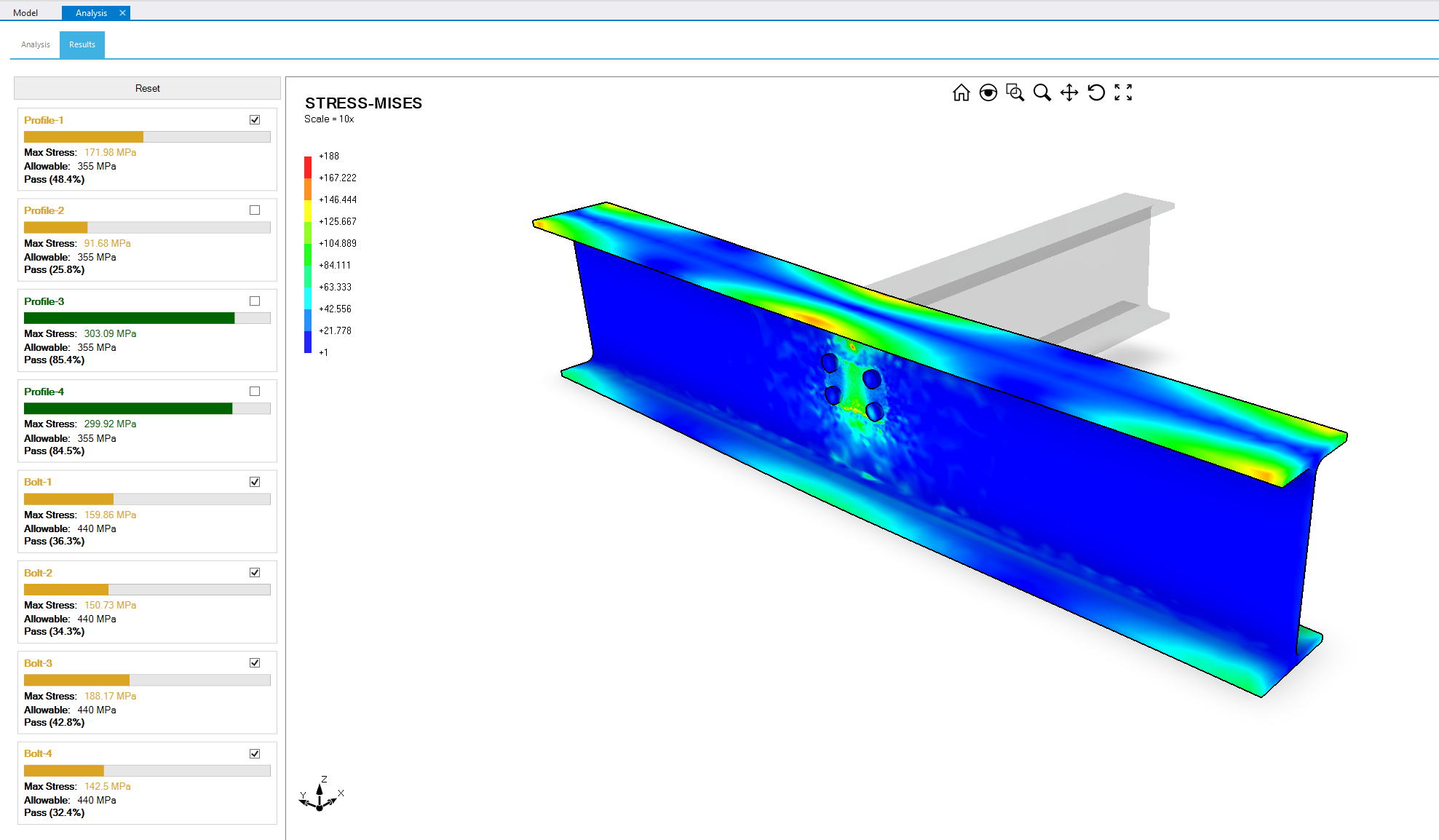
- Visual results output
- Element utilisation reporting
- Math scripting engine (DesignPad)
- Templated setup
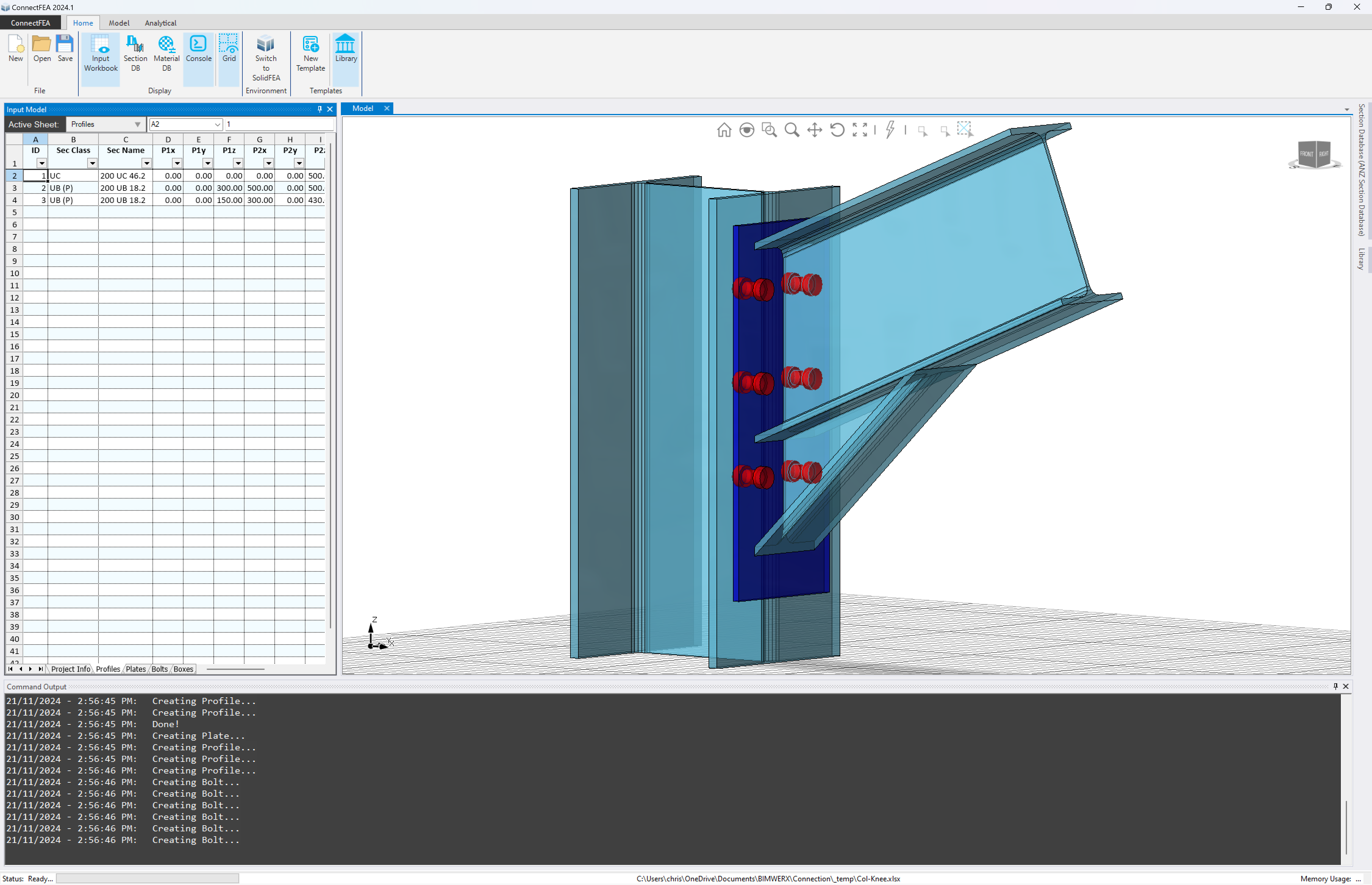
Parametric Connections
Template-driven steel / steel + concrete connections
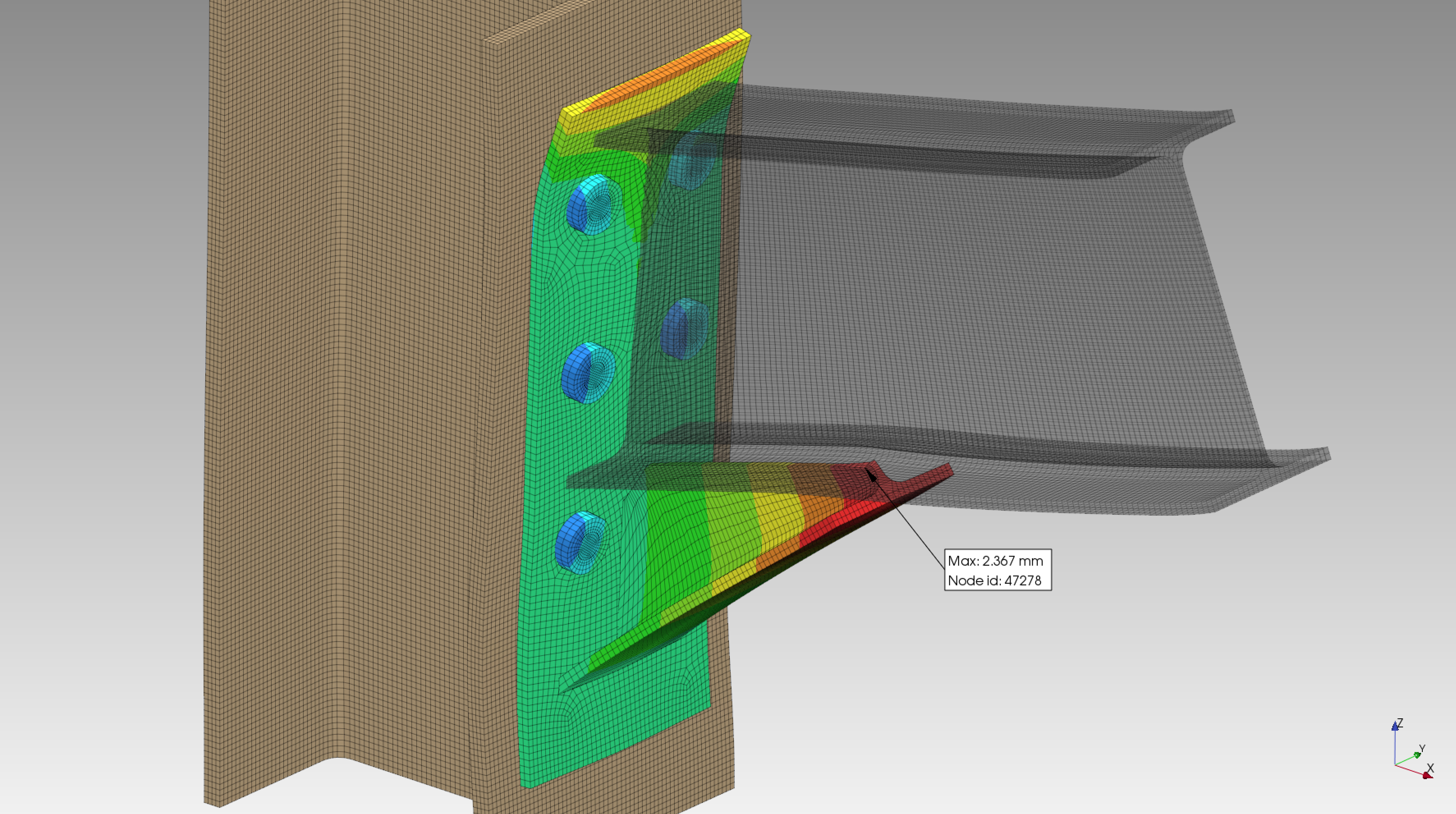
Automatic Volumetric Meshing
Generate volumetric hexahedral or tetrahedral meshes
Contact Elements
Create contact elements to simulate interactions
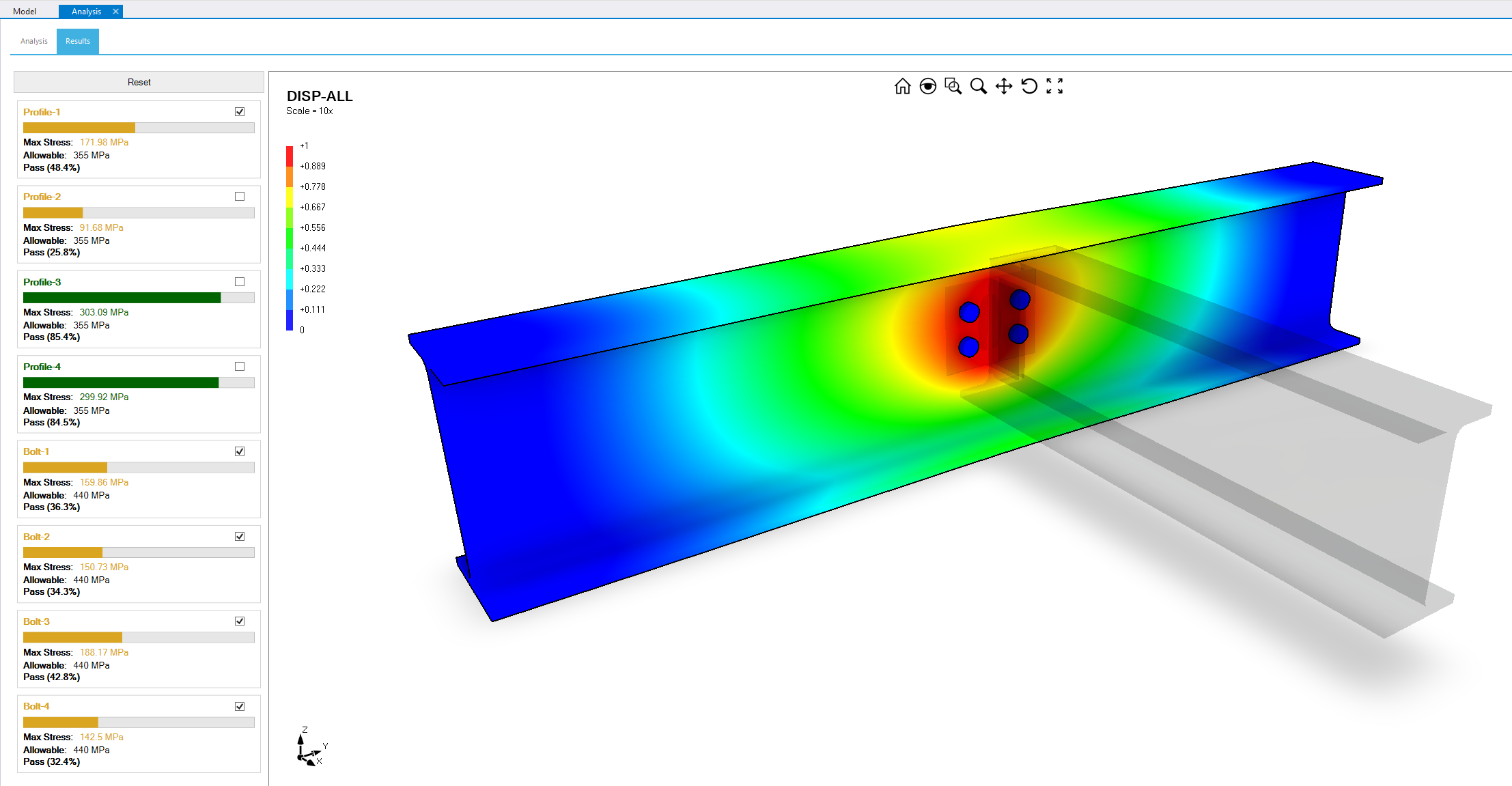
Visualisation
Generate visualisations and simulation outputs directly
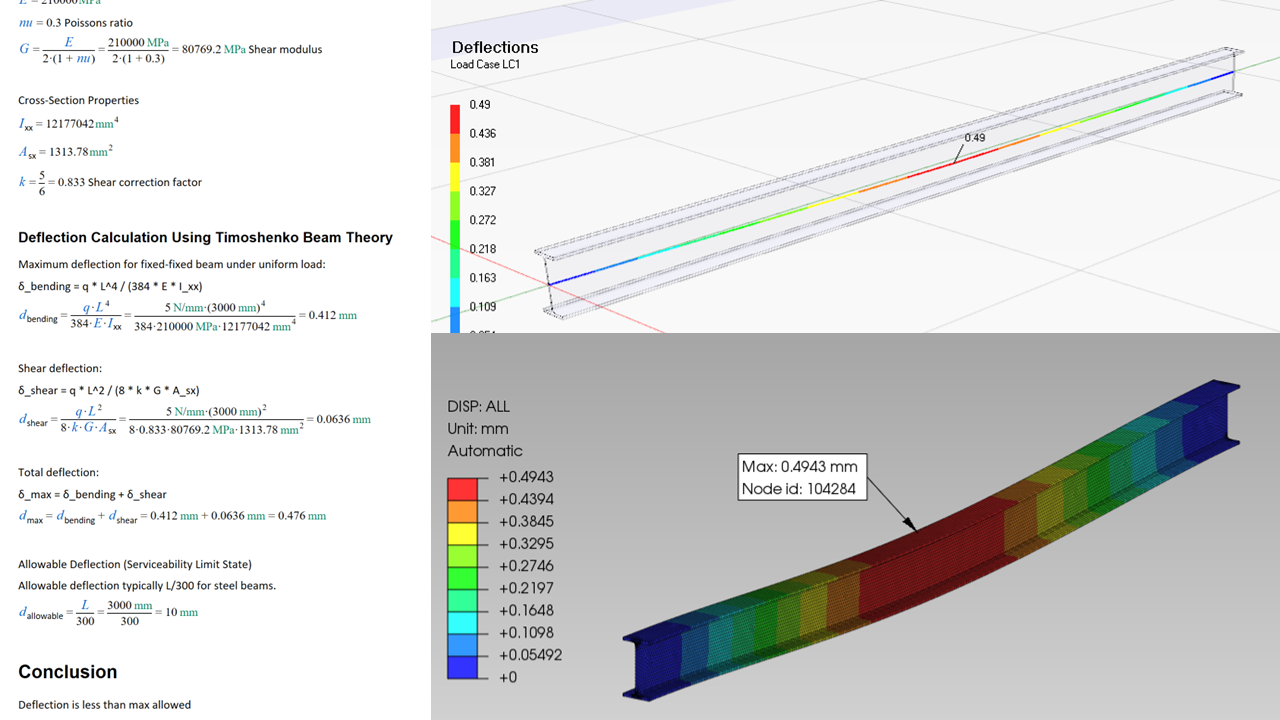
Reliable Output
Validated results and benchmark tests
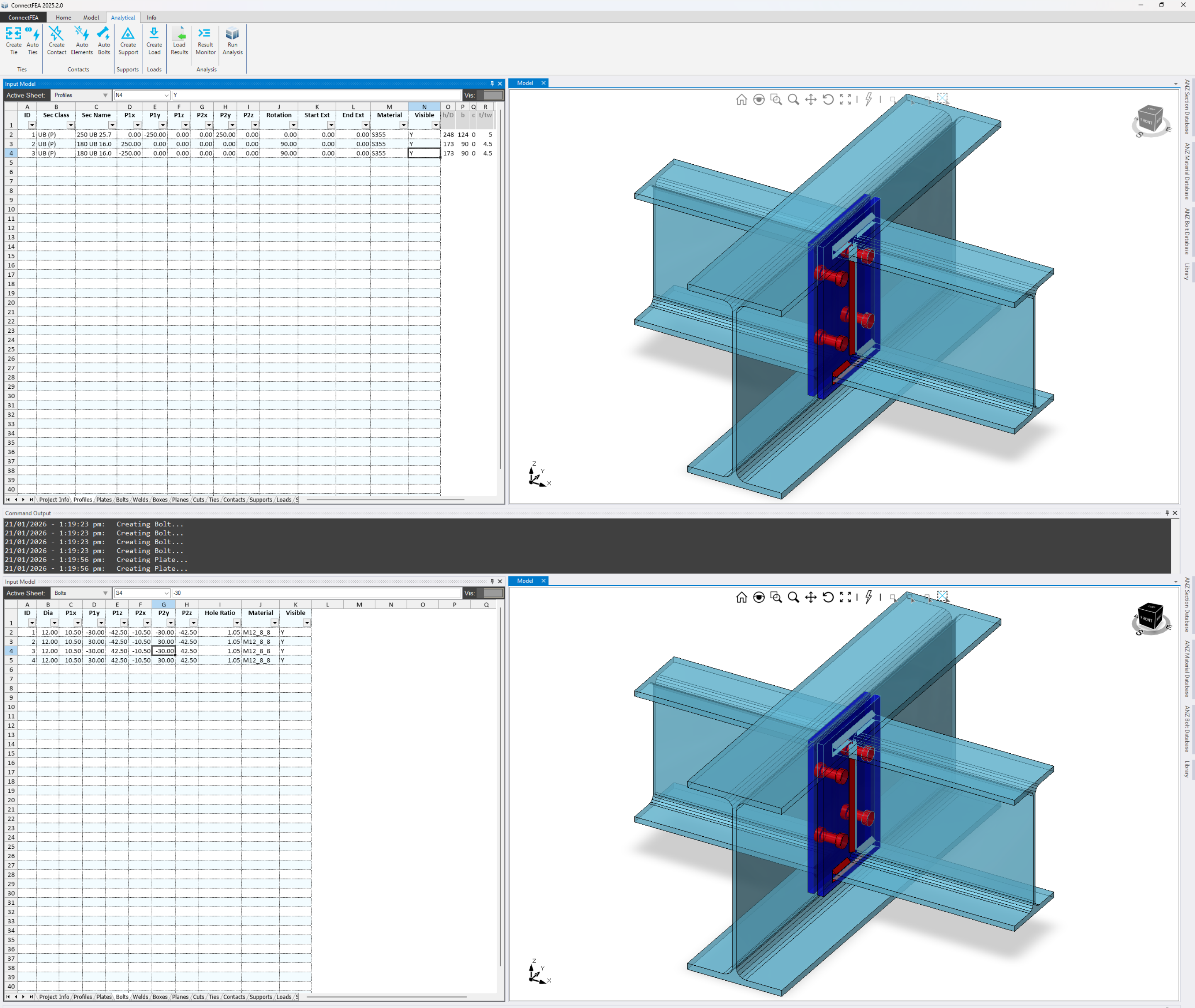
Spreadsheet Input
Use a spreadsheet Input Workbook, with native XLSX file format, to develop parametric connection models
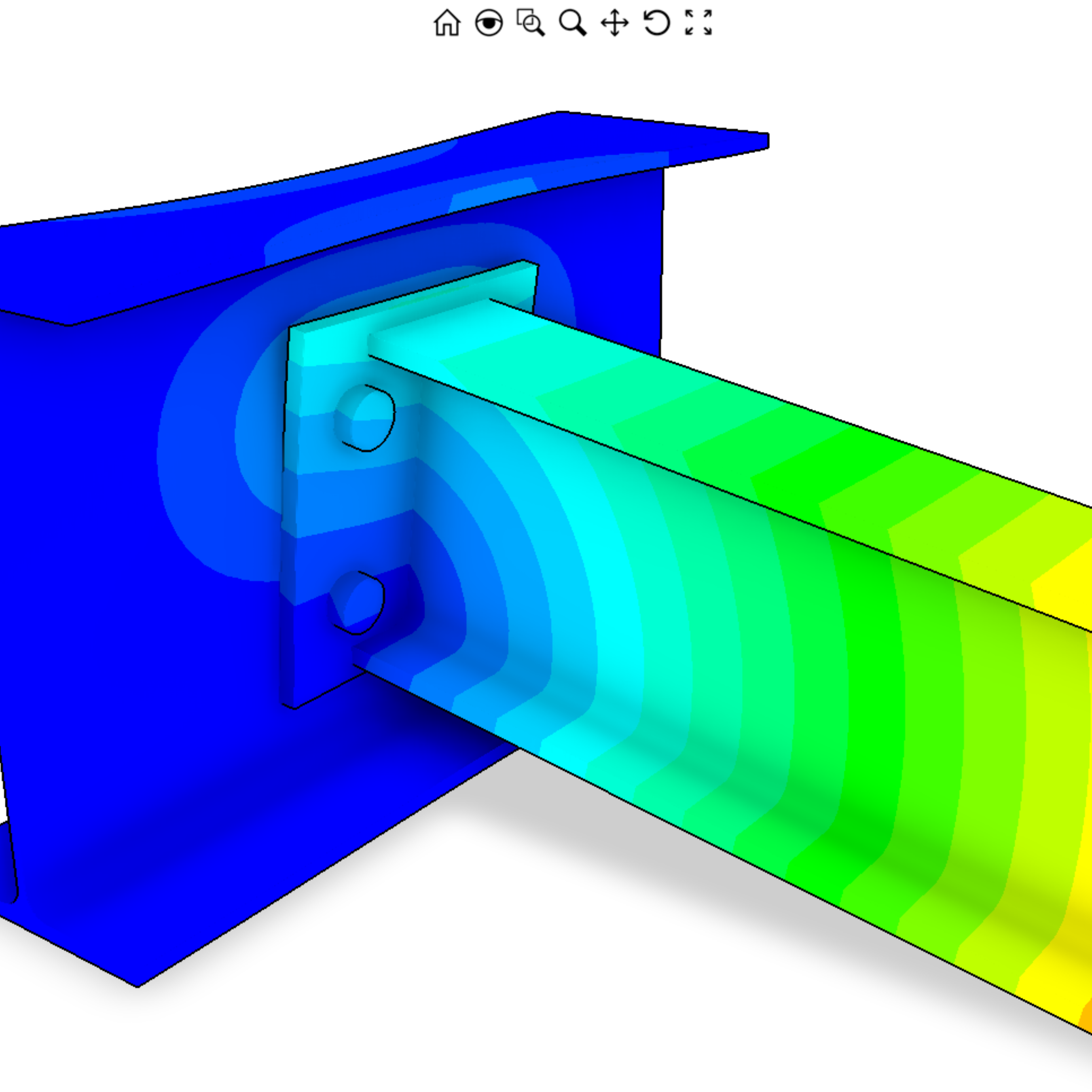
Contact Mechanics
Automatically detect contact elements in your model, including bolts, plates, and profiles
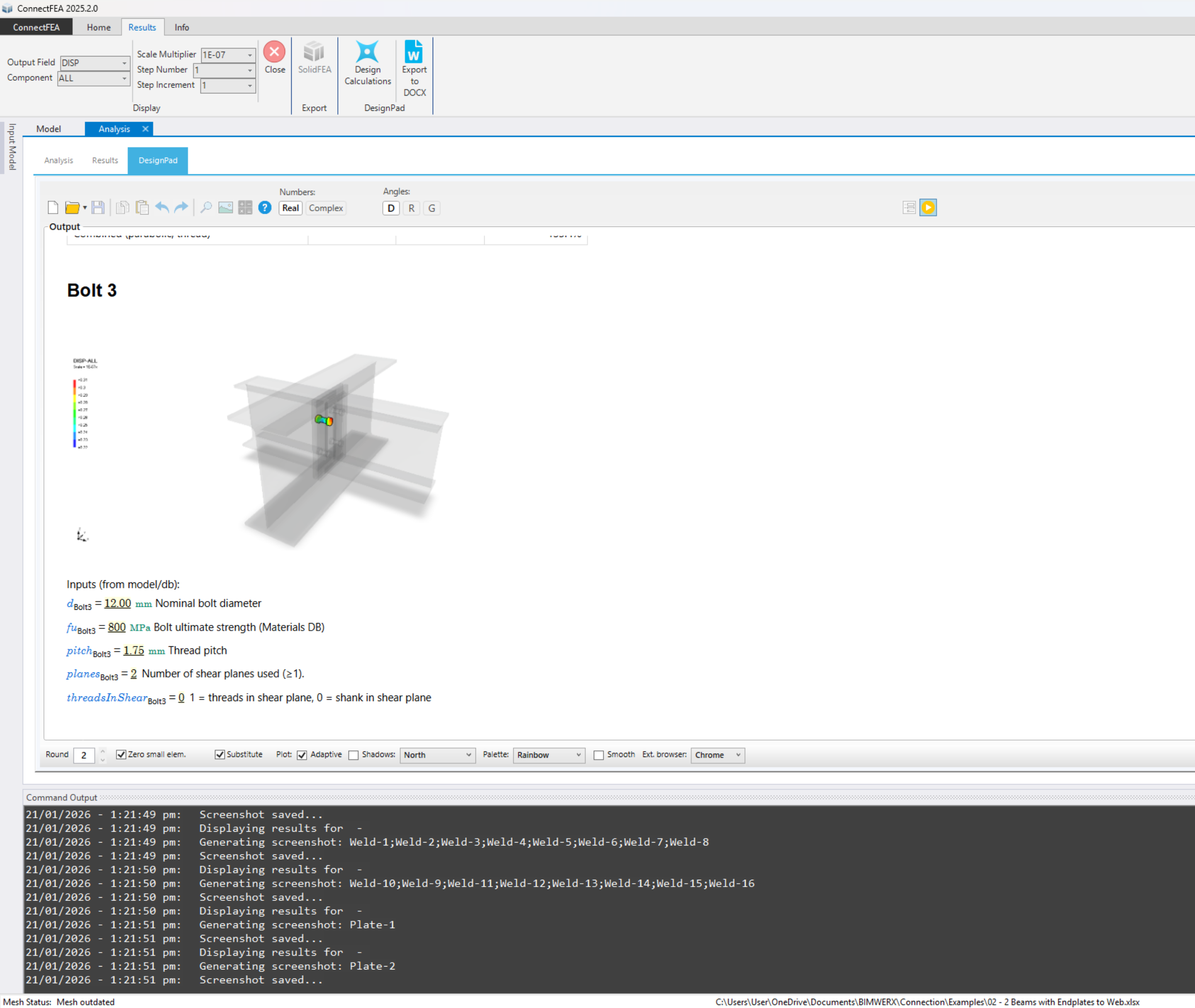
Automation
Automated volumetric mesher and solver with detailed outputs that can be plugged into DesignPad
ConnectFEA Training and Tutorials
A comprehensive and ever-growing library of tutorials and training is directly accessible through the ConnectFEA software Welcome Screen. Our training videos and samples are free to use, and easy to follow.

Download Area
Download and install ConnectFEA from the link below. No credit card required to try ConnectFEA. You will require a trial license through our cloud-based licensing platform, CumulusGate.
Contact Us
Leave us a message and we will get back to you: